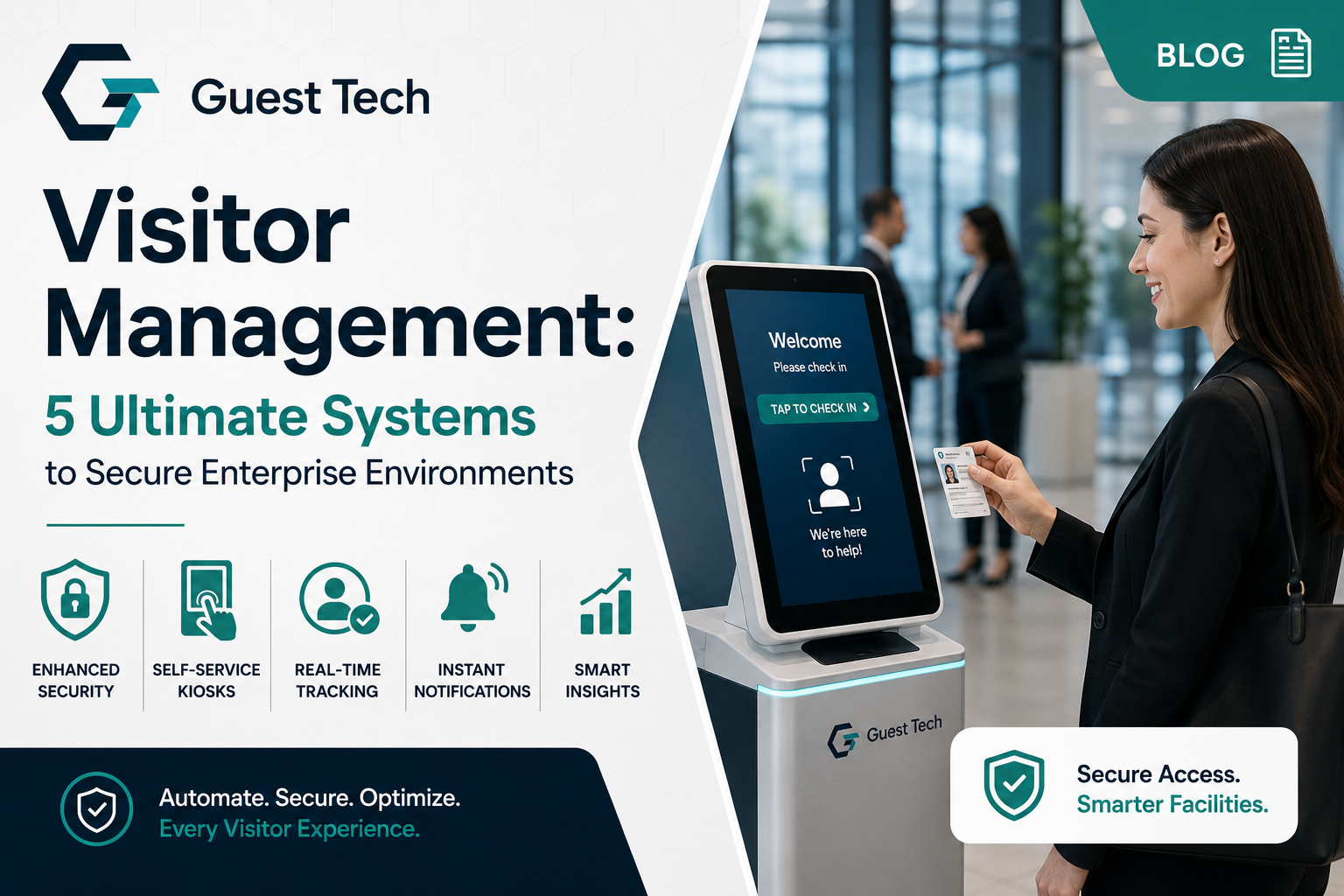
Physical facility management, corporate security, and large-scale operational logistics demand absolute precision. The days of manual logbooks, unverified paper badges, and fragmented front-desk operations are over. Modern enterprises, government facilities, international airports, and massive global conferences require a robust visitor management system infrastructure that guarantees data compliance, perimeter security, and efficient processing.
Deploying an advanced enterprise Visitor Management framework has shifted from a convenience to an operational mandate. This comprehensive analysis evaluates how organizations use digital frameworks, automated kiosk infrastructure, and real-time security orchestration to redefine how personnel enter physical properties and event environments worldwide.
1. The Evolution of Modern Visitor Management Premises Access
Enterprise facilities manage complex ecosystems containing diverse occupant classes: full-time employees, contingent contractors, cleaning crews, delivery vendors, government auditors, and corporate guests. Each category carries distinct security profiles, physical access permissions, and regulatory data tracking requirements. Managing this complexity via legacy infrastructure creates massive security gaps and operational friction.
Historically, front-desk operations relied on manual reception workflows. This introduced critical operational vulnerabilities: illegible hand-written names, unverified identity credentials, lack of real-time legal agreement execution, and zero integration with backend access control systems. If an incident occurred, tracing historically accurate occupant logs proved highly challenging. Furthermore, paper logs remain completely visible to anyone standing at the reception counter, creating immediate data privacy violations.
Modern Visitor Management solutions eliminate these structural weaknesses. By treating every visitor arrival as a secure data transaction, facilities establish a continuous, verifiable audit trail. This systemic transition from passive logging to active authentication underpins the architecture found across next-generation premises solutions. To review the comprehensive framework of these software and hardware modules, analyze the complete suite of network-optimized visitor options.
The modern deployment model relies on a decentralized, user-driven framework. Visitors manage their own check-in experience through dedicated touchpoints, reducing front-desk labor costs by up to 65% while enforcing strict compliance protocols. This automated flow applies to high-traffic corporate offices, government complexes, secure research installations, and critical logistics hubs alike. By automating identity verification, data capture, and host notification, an enterprise Visitor Management setup shifts reception staff from manual data entry clerks to high-value security overseers and hospitality hosts.
2. AI-Assisted Visitor Management Operations and Workflows
Artificial intelligence forms the foundation of modern visitor processing architectures. The core engine runs real-time risk mitigation, facial recognition mapping, and operational forecasting, turning a static check-in point into an active component of a zero-trust Visitor Management security model.
Intelligent Risk Screening and Predictive Security
When a guest initiates check-in, the system runs their information through automated background logic. AI models cross-reference registration details against internal watchlists, terminated employee databases, and global security watchlists. If the system flags a risk profile or an invalid credential, it instantly alerts the security operations center (SOC) via encrypted silent channels without interrupting the user interface. This prevents front-desk confrontation while ensuring immediate containment.
Predictive models analyze historical check-in volumes to forecast arrival spikes. By parsing variables like scheduled meetings, regional transit patterns, weather variables, and flight arrivals, the engine adjusts facility resources. For instance, airports and corporate campuses using comprehensive software can dynamically allocate support staff to specific zones or adjust kiosk configurations before congestion forms, maintaining optimal throughput even during peak shift changes.
Natural Language Processing and OCR Engines
Advanced optical character recognition (OCR) systems extract unstructured data from passports, driver’s licenses, and corporate credentials within 2 seconds. The software verifies document authenticity by analyzing micro-print patterns, holographic overlays, MRZ (Machine Readable Zone) lines, and structural formatting. Natural language processing (NLP) models power multilingual voice instructions and conversational interfaces, guiding users through complex safety briefs, liability waivers, or non-disclosure agreement (NDA) reviews in their native language.
Contextual Notification Routing
The moment identity verification concludes, the orchestration layer maps the visitor to their internal host. Instead of basic email notifications that can sit unread in an inbox, the system uses multi-channel routing across enterprise communication networks, SMS, and internal paging channels. If a host fails to acknowledge the alert within 3 minutes, the platform automatically routes the notification to an administrative proxy, a backup manager, or the main reception desk, preventing lobby congestion and reducing guest wait times.
3. Contactless Visitor Management and Mobile Ecosystems
The integration of mobile-first check-in systems bridges digital pre-registration with physical property access, providing a touchless experience for end users while maintaining strict administrative oversight.
Pre-Registration Mechanics and Invitation Architecture
The visitor lifecycle begins long before arrival. Through integrated calendar systems like Google Workspace or Microsoft Outlook, internal employees issue digital invitations. The platform generates a unique, single-use encrypted token sent directly to the guest’s mobile device via an ecosystem web link. This invitation contains precise orientation details, local parking coordinates, site-safety videos, and a native smartphone wallet pass file.
Geofenced Arrival Protocols
As the visitor approaches the facility perimeter, mobile application frameworks leverage regional geofencing via GPS or BLE (Bluetooth Low Energy) beacons. The system recognizes the proximity token and prompts the guest to confirm their arrival via their mobile browser. This pre-stages the check-in data, completing identity confirmation and health or safety declarations before the user ever sets foot inside the reception area.
Dynamic QR Code Generation
For facilities utilizing physical barriers like optical turnstiles, speed gates, or secure elevators, the platform issues a rotating, dynamic QR code to the guest’s smartphone. These codes use time-based one-time password (TOTP) algorithms, changing every 15 seconds to prevent screenshot sharing, credential skimming, or unauthorized duplication. This ensures that the individual passing through the physical gate matches the verified digital record exactly. Once the meeting terminates, the credential automatically de-provisions, restricting any further entry within the broader cloud-connected event registration platform ecosystem.
4. Hardware Infrastructure for Enterprise Visitor Management
While cloud software orchestrates data workflows, physical access points rely on durable, industrial-grade hardware. Deploying the right hardware requires balancing structural durability with modern component layouts to withstand high-volume, 24/7 public operational environments.
Architectural Varieties of the Self Service Kiosk
Industrial designs match specific environmental constraints and spatial designs. Floor-standing pillars fit spacious corporate lobbies, exhibition centers, and airport terminals, serving as clear visual touchpoints for incoming traffic. Compact counter-top variants optimize tight reception desks, security checkpoints, and administrative gates where desk space is constrained. Heavy-duty wall-mounted configurations provide space-saving options for university corridors, production floors, and cargo bays, keeping paths completely clear while offering full Visitor Management functionality.
Core Components of the Modern Kiosk Machine
To handle continuous operational cycles, a professional Kiosk Machine requires a rugged, high-performance hardware stack:
Capacitive Touch Panels: Heavy-duty, anti-glare glass designed for millions of individual touch cycles, featuring antimicrobial coatings for hygiene preservation and high-luminance displays for outdoor readability.
Biometric Modules: High-resolution optical cameras equipped with infrared sensors and structured light arrays for live-presence detection, preventing spoofing attempts using photos, video loops, or digital displays.
Document Digitization Scanners: Multi-spectrum document readers that capture data under visible, infrared, and ultraviolet light sources to ensure comprehensive ID validation and fake credential detection.
Thermal Badge Printers: Fast, heavy-duty inkless printing systems that produce high-contrast, smudge-proof security badges in less than 2 seconds, utilizing liners that leave zero legible waste.
Peripheral Integration Openings: Industrial input-output bays housing RFID proximity transceivers, smart card encoders, barcode scanners, and chip-enabled credential readers.
5. Sector-Specific Visitor Management Implementations
A standard platform cannot address the distinct regulatory and structural requirements of every industry. Enterprise platforms must adapt their core data logic, integration arrays, and compliance workflows to fit specific market verticals.
Government Organizations
Government facilities operate under strict federal security directives. Systems deployed in these environments must validate visitor records against state and federal watchlists while verifying government-issued credentials. Hardware must comply with strict physical accessibility standards, and data architectures must maintain isolated local network setups or FedRAMP-certified cloud environments to protect sensitive information. Visitor tracking must extend to precise zone containment, logging entry and exit timestamps for every interior security door.
Airports and Aviation Hubs
Airports require secure, high-throughput systems to process international crews, contractors, and specialized vendors across restricted zones. Visitor hubs must integrate with customs databases and badging infrastructure, using biometric authentication to track movements across customs boundaries and secure flight lines. The architecture must maintain perfect uptime, as any system delay can ripple through flight schedules and ground operations.
Corporate Offices
Corporate spaces focus on operational agility, workspace flexibility, and asset protection. Systems must sync with internal directories like Active Directory, Azure AD, or Okta, provisioning temporary network credentials, reserving desk space, and managing NDA execution. The platform should adapt dynamically to hybrid work models where occupant densities shift daily, providing facility managers with real-time utilization analytics to optimize real estate costs.
Universities and Higher Education
University campuses must balance open public spaces with student safety. Specialized platforms track guests across residential housing, research laboratories, and administrative facilities. Integration with student information systems ensures that contractors, guest lecturers, and visitors pass background verifications before entering campus boundaries, while providing students with easy-to-use portals to invite guests.
Trade Shows, Conferences, and Large-Scale Events
Mass-scale events require processing thousands of arrivals within tight morning registration windows. The architecture must prioritize rapid credential distribution, robust offline synchronization, and fast lead retrieval capabilities. The checkout and registration paths must minimize user input steps on-site to maintain processing speeds under 10 seconds per attendee.
6. Security Workflows and Event Accreditation
Large-scale events, global trade exhibitions, and international summits demand specialized check-in systems. When processing tens of thousands of attendees, security and speed must scale together, necessitating robust hardware and intelligent software integration.
The Lifecycle of an Event Registration System
An enterprise Registration System manages attendee data across a structured lifecycle. Data flows from online intake web forms directly into secure, scalable databases. The system handles duplicate cleanup, payment reconciliation, and sub-category sorting (such as General Admission, VIP, Exhibitor, Media) automatically. This ensures that when an attendee arrives on-site, their profile is indexed and accessible across hundreds of registration terminals simultaneously.
High-Velocity Accreditation Protocols
For high-security events, standard registration is only the first step. A dedicated Accreditation layer manages deeper verification workflows. Background checks, press credential validations, and security clearance checks run through structured approval queues managed by event security teams.
Once approved, the system generates a cryptographically signed credential record. This prevents unauthorized badge manipulation and ensures that access to restricted areas like backstage zones, speaker greenrooms, or executive presentation rooms remains completely secure, using real-time validation scanning at every internal perimeter.
Next-Generation Event Technology Integrations
Modern event environments use advanced tracking technologies to monitor attendee flow, analyze engagement, and manage spatial dynamics:
UHF RFID Tracking: Ultra-high frequency rfid Badge tags embedded in event badges allow scanning distances up to 3 meters, automating session attendance tracking and entry validation without manual gate scanning.
Smart Bluetooth Badges: Wearable BLE beacons track spatial density in real time, helping organizers optimize room schedules, manage crowd flows, and analyze vendor foot traffic patterns across exhibition halls.
Near Field Communication (NFC): Contactless NFC chips embedded in wristbands or premium cards allow secure digital payments, access to private lounges, and instant digital contact sharing between attendees.
7. Operational Architecture Comparison
Selecting an enterprise platform requires evaluating how different infrastructure configurations align with your IT strategy, cybersecurity models, and network architecture. The following breakdown compares standard configurations.
| Operational Vector | Traditional On-Premises Systems | Modern Multi-Tenant Cloud Platforms | Hybrid Edge Infrastructure |
|---|---|---|---|
| Deployment Complexity | High; requires dedicated local database servers, network routing, and local IT maintenance. | Low; instant web configuration with zero local hardware footprints or server overhead. | Medium; pairs localized hardware appliances with centralized cloud orchestration. |
| Data Sync Latency | Localized real-time; delayed when linking across distributed multi-site networks. | Instantaneous worldwide updates across all synchronized nodes globally. | Real-time local processing with asynchronous cloud synchronization backups. |
| Offline Resilience | Remains functional locally; completely disconnected from external cloud assets. | Prone to interruption if primary WAN networks or local internet links fail. | High; preserves full functionality and local caching during network outages. |
| Upgrade Management | Manual IT maintenance windows required; complex version patching and downtime. | Continuous automated background updates managed entirely by the provider. | Automated cloud software rollouts cached and executed via local edge nodes. |
| Hardware Agnosticism | Restricted to proprietary, certified hardware components and drivers. | Highly flexible; supports open Android, iOS, and Windows terminal ecosystems. | Broad compatibility via local abstraction drivers and standardized peripheral access. |
According to leading industry research on technical logistics published by the Professional Convention Management Association, reducing registration touchpoints down to under four seconds significantly boosts venue safety.
8. Data Privacy, Compliance, and Scalability
As security compliance tightens worldwide, an enterprise platform must function as a secure data vault that complies with complex global privacy frameworks while maintaining high scalability.
Global Regulatory Alignment
Platforms must comply with strict data privacy laws, including Europe’s GDPR, California’s CCPA, and healthcare frameworks like HIPAA. The system must treat personal data, including photos, driver’s license numbers, and biometric patterns, with high-level encryption both at rest (AES-256) and in transit (TLS 1.3). For more on these governance principles, review the documentation from the International Organization for Standardization security baseline updates.
Granular Data Retention and Purging Policies
Data retention must be tightly controlled to prevent compliance liabilities. Administrators should implement automated, role-based retention policies. For example, a system can store standard corporate vendor logs for 90 days, purge contractor biometric signatures within 24 hours of project completion, and archive high-level government access logs for 7 years in encrypted cold storage.
When a data record reaches its expiration date, automated scrubbing scripts remove the personal information from all production databases, logs, and backups, leaving only anonymized metadata for high-level traffic analysis, occupancy trends, and facility utilization reporting.
Enterprise Scale and Technical Architecture
For multi-site global corporations, system architecture must remain stable across different geographic regions. Centralized dashboards allow global security teams to monitor multiple facilities simultaneously. If a security incident triggers an isolation protocol at a facility in London, administrators can deploy instant watchlist updates or access restriction rules to properties in New York and Singapore within seconds.
Ecosystems must maintain SOC 2 Type II certifications, ensuring that infrastructure, code deployment paths, and support workflows undergo independent third-party validation to mitigate enterprise risk.
9. Deployment Strategy and Onboarding Checklist
Transitioning from manual front-desk logging to an automated ecosystem requires a structured, step-by-step implementation plan to ensure high user adoption and zero operational downtime.
Phase 1: IT Network and Security Alignment Map out all internal database connections, Active Directory or OKTA single sign-on (SSO) endpoints, and local network firewall rules. Ensure that your local area networks are configured to support secure communication between the kiosks and cloud endpoints.
Phase 2: Hardware Positioning and Facility Auditing Review lobby traffic flows to identify optimal placement for self-service kiosks. Ensure each position has access to dedicated power connections and reliable high-speed network drops.
Phase 3: Workflow Design and Compliance Integration Translate your legal agreements, safety videos, NDAs, and sign-in questionnaires into clean digital steps. Route any conditional questions based on the visitor’s stated purpose of visit.
Phase 4: Hardware Assembly and Peripheral Calibration Install your kiosk components, load thermal paper stocks, and test your credential scanners, identity cameras, and badge printers using sample profiles.
Phase 5: System Testing and Administrative Training Run end-to-end user tests for every guest category, ensuring notifications reach hosts correctly. To support continuous web-based application scanning without interface freezing, deploying a professional laptop rental infrastructure ensures registration computing nodes meet high hardware baselines, including a minimum of 16GB RAM and multi-core processing profiles.
Phase 6: Go-Live and Ongoing Optimization Launch the automated system across your facilities. Monitor check-in times and user completion rates closely during the first 30 days, adjusting the user interface steps to maximize throughput.
10. Expert Commentary
“The shift in visitor operations centers on data control and threat prevention,” explains Marcus Vance, Principal Systems Architect at Global Security Infrastructure Group. “Historically, front desks focused primarily on hospitality. In today’s landscape, every access point functions as a data firewall. If your platform is isolated from your physical access control arrays and employee directories, you don’t have a modern security framework; you simply have a digital clipboard.”
“For large-scale public events, speed and security are equally critical,” adds Elena Rostova, VP of Operations at International Expo Logistics. “When five thousand attendees arrive at a venue at 8:00 AM, traditional registration setups collapse. Deploying high-throughput kiosk networks and real-time accreditation screening is essential. It transforms arrival logistics from a major bottleneck into a fast, professional, and secure entry process.”
To arrange an individualized, end-to-end architectural assessment with our engineering team, book a demo focused on your spatial parameters.
11. Frequently Asked Questions
What happens to the kiosk system if our facility loses internet connectivity?
Modern visitor platforms feature robust offline resilience. Hybrid edge nodes cache configuration states, watchlists, and pre-registration records locally. If the primary internet connection drops, kiosks continue processing arrivals, printing physical badges, and logging timestamps without interruption. Once connectivity recovers, the local node automatically synchronizes the data back to the cloud database.
How does the system handle delivery drivers and courier services?
Delivery tracking uses a dedicated, accelerated workflow. Drivers select the ‘Delivery’ option on the home screen, scan the package tracking label, select the recipient or department, and capture a quick photo of the package. The platform logs the transaction and alerts the internal mailroom or recipient immediately, allowing the courier to exit the perimeter quickly.
Can we customize the branding and interface steps for different events?
Yes. The administrative console allows complete control over the visual presentation and data flows across individual kiosks. You can apply specific brand themes, logos, color palettes, and languages for particular corporate tenants or specific events, ensuring a tailored experience for every visitor group.
What is the typical physical installation timeline for a multi-kiosk corporate deployment?
For locations with prepared power outlets and active network lines, physical assembly and configuration take less than two hours per kiosk. The complete deployment timeline, including software customization, database integrations, and staff training, generally spans two to four weeks depending on the complexity of your systems architecture.
12. System Selection and Procurement Framework
Investing in an enterprise-grade platform requires a clear evaluation framework. Use this structured approach to guide your procurement and ensure your system scales effectively.
Step 1: Security and Compliance Verification
Confirm the platform holds active SOC 2 Type II certifications.
Validate that all data fields support automated retention and purging protocols.
Ensure watchlist integration scripts execute within sub-second thresholds.
Step 2: System Interoperability and API Evaluation
Verify that the solution offers open REST APIs for custom data routing.
Test native integrations with your existing internal communication platforms and directory services.
Review middleware compatibility with your current physical security infrastructure.
Step 3: Hardware Reliability and Service Level Agreements
Select components built with impact-resistant materials and scratch-resistant touchscreens.
Confirm that thermal printing modules feature low-jam technical designs.
Secure clear hardware replacement and support response agreements from your deployment partners.