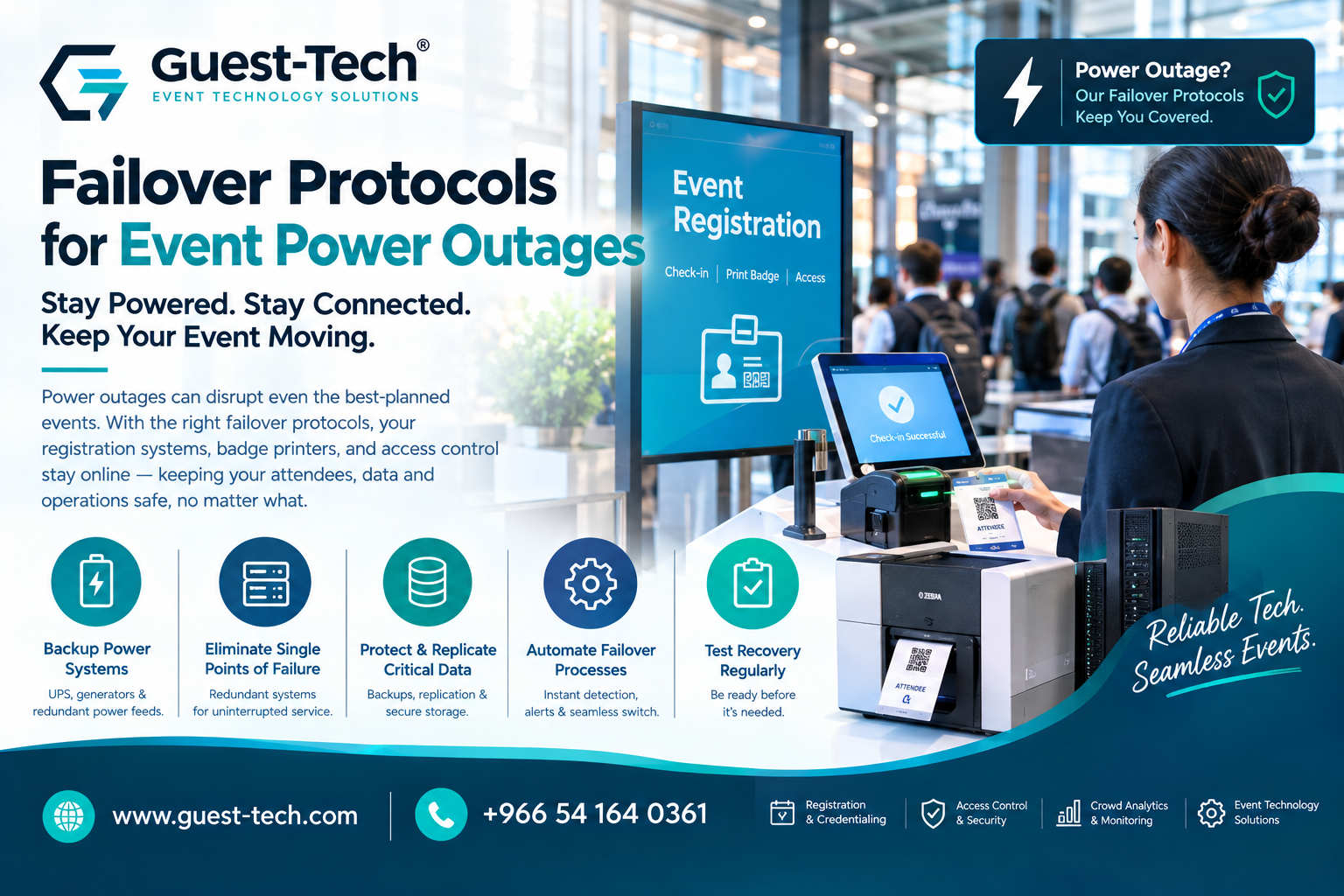
Most event tech runs on the assumption that power just stays on. Registration systems, badge printers, kiosks, attendee tracking, the local server humming away in a back room: none of it is built to handle the lights going out mid-check-in. And when they do, the fallout isn't just "the screen went dark." It's forty people stacking up at the door, a data sync that stopped halfway through a batch, and a staffer trying to explain to someone why their badge won't print. A failover protocol is what stands between that scenario and business as usual. In practice it's backup power, redundant systems, monitoring that actually catches the failure before a guest does, and recovery steps clear enough that nobody's improvising at 8am on event day.
Why Failover Planning Matters for Events
When power drops, it doesn't pick one system to hit. Registration desks, attendee databases, badge printers, access control, and the onsite server all go down together. Teams without a plan for that end up with service interruptions, data that's out of sync between systems that were supposed to talk to each other, and a recovery that drags on far longer than the outage did.
The teams that feel this hardest are usually the ones running their own onsite infrastructure. There's no cloud vendor quietly absorbing the failure on their behalf. If the local server goes down, someone in the room has to notice and fix it.
Step 1: Deploy Backup Power Systems
Layer one is buying time. Enough time for everything else to kick in before a system just shuts off mid-transaction.
Typical setup:
- Uninterruptible Power Supplies (UPS)
- Battery backup systems
- Generator backup systems
- Redundant power feeds
A UPS covers the first few minutes. That's the window a generator needs to spin up and take over, so a check-in scan doesn't just die halfway through.
Step 2: Eliminate Single Points of Failure
Before backup power matters much, ask a simpler question: if one device fails, does everything downstream of it fail too? If yes, that's the actual design flaw.
Teams usually build redundancy into:
- Network infrastructure
- Registration workstations
- Event servers
- Storage systems
- Internet connectivity
Guest-Tech's event technology solutions are built around this, so one failed workstation or dropped connection doesn't stall the whole check-in line behind it.
Step 3: Protect and Replicate Critical Data
Of everything in a failover plan, attendee and registration data usually matters most. You can print another badge. You can't reconstruct a registration list from memory.
Standard practice:
- Automated backups
- Data replication
- Redundant storage
- Recovery testing
- Version control procedures
The point of replication is timing. If the primary system drops, there needs to be a current copy sitting elsewhere, not a backup from three hours ago that's missing the last forty check-ins.
Step 4: Automate Failover Processes
Manual recovery sounds fine in a planning meeting. It looks different when someone's standing at a dead terminal trying to remember the runbook while a line grows behind them.
Automated failover handles this better:
- Detects power interruptions the moment they happen
- Alerts the right people immediately, not after someone notices
- Shifts workloads to backup systems without waiting on a person
- Keeps core services available through the switch
- Cuts the overall recovery window down
The slowest part of most outages isn't the fix. It's the gap between something breaking and a human noticing. Automation closes that gap.
Step 5: Test Recovery Procedures Regularly
An untested failover plan is a theory. You don't actually know it works until you've run it.
Testing confirms:
- Backup systems perform under load, not just in specs
- Recovery steps work as written, not just as imagined
- Data restoration actually restores what it should
- Infrastructure holds up through the failover itself
- The team's response doesn't fall apart under pressure
Teams that run this drill regularly tend to stay calm during a real outage, mostly because they've already watched the process work once when nothing was actually at stake.
Supporting Event Operations During Power Disruptions
Registration, attendee databases, and check-in infrastructure aren't separate systems that happen to run at the same event. They're leaning on each other constantly, which means continuity planning has to treat them as one connected system, not five things to patch individually.
A lot of organizers pair self-service event registration kiosks with resilient infrastructure for exactly this reason: attendee processing shouldn't stall just because something upstream hiccupped.
Building a More Resilient Event Environment
Failover planning isn't a side project bolted onto the rest of event tech. Power resilience, data protection, redundancy, and recovery automation all serve the same goal: an event that keeps running even when something behind the scenes doesn't.
Organizations after stronger continuity often pair event registration and visitor management services with structured recovery and failover processes, so what attendees experience holds up even when the infrastructure underneath it briefly doesn't.
Frequently Asked Questions
What is a failover protocol?
A predefined process that switches systems from a primary resource to a backup one automatically when something fails, instead of waiting for a person to notice and step in.
Why are failover protocols important for events?
They cut downtime, protect attendee data, and keep operations running through a power outage instead of grinding to a stop the moment utility power drops.
What role does a UPS play in failover planning?
It bridges the gap. The moment power drops, a UPS keeps systems alive long enough for a generator or secondary source to come online behind it.
How can organizers protect attendee data during outages?
Backups, replication, redundant storage, and testing the recovery process before you actually need it. Skipping the testing step is the most common gap.
Should failover procedures be tested regularly?
Yes. An untested plan is a guess. Regular testing is the only way to know recovery steps and backup systems will hold up when it actually counts.
Can failover protocols support registration and check-in systems?
Yes. A well-built failover strategy keeps registration, badge printing, and check-in running, or gets them back fast, after a disruption instead of leaving a line stuck at the door.
Keep Registration Running No Matter What Happens to the Power
Build a failover plan around Guest-Tech's event technology, self-service kiosks, and registration services, so a power hiccup never turns into a line at the door.
Request a Quote