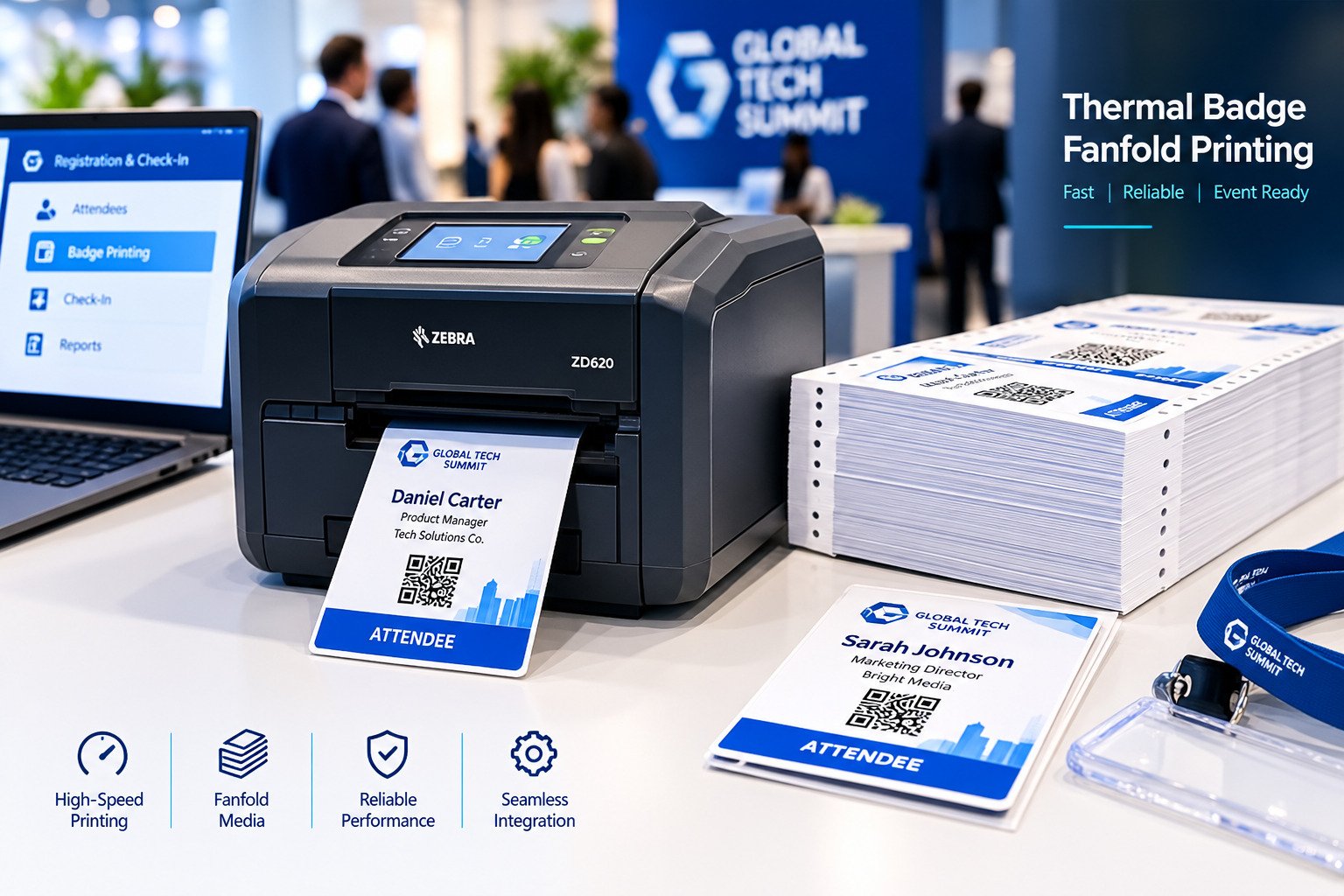
Anyone running registration at a high-volume event has probably learned the hard way that the printer isn't the whole story. A fast printer sitting in a poorly planned setup, wrong media, weak network, no backup, still bottlenecks just as badly as a slow one. Getting the full hardware configuration right matters as much as picking good equipment in the first place, especially for events that need to print badges continuously for hours at a stretch. Knowing what actually goes into a complete thermal badge fanfold printing setup, not just the printer, helps organizers put together something that actually holds up under registration pressure instead of falling apart an hour into the event.
Why the Setup Around the Printer Matters Just as Much
Even a genuinely fast printer runs into trouble if nothing around it was planned properly. The configuration as a whole, not just the printer's rated speed, is what determines print speed in practice, badge quality, how smoothly media feeds, and whether the whole thing stays reliable for the length of the event.
For exhibitions, conferences, and corporate events, a properly built printing environment is what lets registration staff actually keep pace with attendees instead of falling behind an hour in. A lot of organizers build this as part of a broader thermal badge solution rather than treating badge printing as its own separate problem.
What's Actually in a Full Setup
A complete thermal badge fanfold configuration usually comes down to a direct thermal badge printer, fanfold badge media, the registration and attendee management software running behind it, check-in workstations, a network connection that can handle the load, backup printing equipment, and some form of power protection so a single outage doesn't stop registration cold. Each piece on its own is fairly ordinary. Together, they're what actually keeps badges printing continuously through a busy check-in period.
Picking the Printer Itself
This is usually the decision that gets the most attention, and for good reason. Worth actually comparing: print speed, what media it takes, how reliable it stays under sustained use, and how well it connects to whatever registration system is already running.
There's no single right answer here, it depends on how many attendees are expected, what the badge design actually requires, and how much registration activity the event is likely to see. High-volume events generally do better with equipment built specifically for fast onsite badge production, such as the SwiftColor SCC-4000D, rather than general office printers pressed into service.
What Fanfold Media Actually Does for You
Fanfold badge media is built to feed through thermal printers efficiently and keep printing continuous, which matters a lot more once you're producing hundreds of badges in a row rather than a handful. Compared to other media formats, fanfold tends to mean fewer interruptions and simpler handling during the busiest registration stretches. Which specific media makes sense still comes down to badge size, how much branding needs to fit on it, and how the printing workflow is actually set up.
Connecting the Printer to Registration Itself
Badge printing hardware only really performs well when it's actually tied into the registration process rather than sitting next to it as a separate step. A lot of organizers pair thermal printing equipment with event registration services so attendee processing, data accuracy, and check-in all work as one connected flow instead of three separate systems that happen to be in the same room.
Done right, that connection is what actually shortens registration queues and keeps attendees moving during the busiest arrival window, more than any single piece of hardware does on its own.
What a Properly Built Setup Actually Gets You
The payoff of getting this right shows up in badges printed faster, attendees processed more efficiently, fewer registration bottlenecks, a setup that holds up reliably through the whole event, onsite operations that run more smoothly overall, and a system that scales without falling apart when attendance runs higher than expected. None of these are dramatic individually, but they add up fast once you're processing real volume.
Matching the Setup to the Actual Event
There's no one-size-fits-all configuration here. What's worth working out before committing to hardware: expected attendance, how registration is actually going to flow, what the venue's infrastructure can support, and what the badges themselves need to do.
Many organizations also run self-service registration kiosks alongside the thermal printing hardware itself, so the experience is consistent from the moment someone arrives through to walking into the venue, rather than badge printing being its own disconnected step.
FAQs
What is a thermal badge fanfold printing system?
A setup that combines thermal printing technology with fanfold badge media to produce attendee badges efficiently throughout an event.
Why use fanfold media specifically for event badges?
It keeps printing continuous and tends to simplify media handling during high-volume registration periods, compared to other formats.
What hardware does a setup like this actually need?
A thermal printer, fanfold badge media, registration software, check-in workstations, a solid network connection, and backup equipment for when something fails.
Can these printers connect to a registration system?
Yes, most event badge printers can integrate with registration and check-in platforms to automate the badge production step.
What kinds of events use this setup?
Exhibitions, conferences, trade shows, corporate events, and other high-attendance gatherings that need continuous badge printing.
How do I actually choose the right configuration?
Start from attendee volume, badge requirements, what the venue can support, how registration is meant to flow, and what the event actually needs operationally, then build the hardware setup around that.
Build a Badge Printing Setup That Holds Up Under Pressure
Pair the right thermal printer, media, and registration hardware with Guest-Tech's event services to keep badges printing smoothly from the first attendee to the last.
Request a Quote