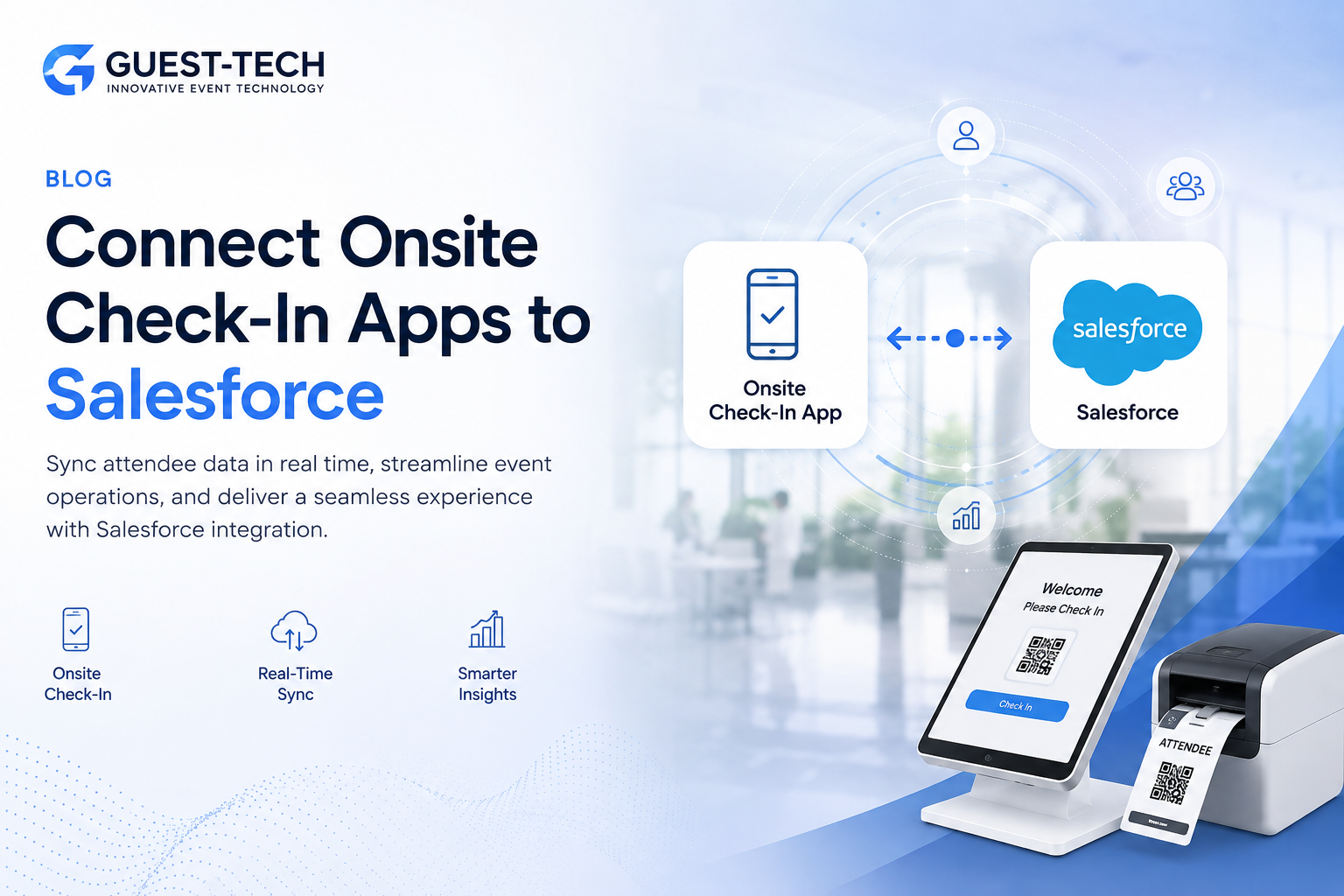
When an event is busy, the last thing anyone wants is more admin work after it ends. Onsite check-in apps already handle registrations, badge printing and attendee arrivals. Salesforce, meanwhile, keeps track of leads, contacts and customer activity. Connecting the two means attendee details can move from the event check-in system straight into Salesforce. Instead of exporting lists and updating records later, your team has the information ready when they need it. Understanding how to connect onsite event check in apps with Salesforce helps event organizers reduce manual work, improve data accuracy and make attendee information available to sales and marketing teams more quickly. For businesses using event registration and visitor management solutions from Guest-Tech Services, linking check-in data with Salesforce can make the whole event process easier to manage.
Why Connect Check-In Apps with Salesforce?
Without a connection between the two systems, attendee information often stays in the event platform until someone exports it after the event. That usually means working through spreadsheets, checking for missing details and uploading contacts manually.
It is a process that takes time and can easily lead to errors or duplicate records.
With Salesforce integration in place, attendee details can be updated automatically as people register or check in, depending on how the integration is configured. Teams can see who attended, who did not show up and which contacts may be worth following up with after the event.
How the Integration Works
Most event check-in platforms connect to Salesforce through an API, a middleware tool or a built-in Salesforce connector.
The setup allows information such as attendee names, email addresses, company details, registration status and check-in activity to be linked with the appropriate Salesforce records.
Once configured, attendee information can be synchronized automatically between the event platform and Salesforce. This reduces reliance on spreadsheet exports and helps maintain more reliable data for reporting and follow-up activities.
Key Benefits
- Less manual data entry after the event
- Faster follow-up with attendees and leads
- More accurate attendance reporting
- A clearer view of who registered and who actually checked in
- Event information stored alongside existing Salesforce records
For conferences, exhibitions and corporate events, these benefits can make a noticeable difference. Teams spend less time sorting data and more time using it.
Planning for Success
Before turning on the integration, take some time to decide what information should be sent to Salesforce. Consider the reports your team will need afterward and who should have access to attendee data.
It is also a good idea to test the setup before event day. Confirming that registrations, check-ins and attendee details are syncing correctly in advance can help prevent issues during the event.
Many businesses use Salesforce alongside registration, badge printing and visitor management tools from Guest-Tech to keep event activity connected from registration through follow-up.
Frequently Asked Questions
Can Salesforce integrate with event check-in apps?
Yes. Many registration and check-in platforms support Salesforce integration through an API, a native connector or a third-party integration solution.
What attendee data can be synced to Salesforce?
This typically includes attendee names, email addresses, company information, registration status and check-in details. Available fields depend on the event platform being used.
How do I connect onsite event check in apps with Salesforce?
The connection is commonly established through an API, middleware software or a built-in Salesforce integration offered by the event platform.
Can attendee information be updated in real time?
In many cases, yes. Real-time synchronization is available when both the check-in platform and Salesforce configuration support it.
Is Salesforce integration useful for conferences and exhibitions?
Yes. It can improve attendee tracking, lead management, reporting and post-event follow-up activities.
What should I consider before implementation?
Before going live, review data mapping requirements, reporting needs, user permissions and testing procedures to ensure information is synchronized correctly.
Keep Your Event Data Connected From Check-In to CRM
Pair Guest-Tech's registration, badge printing and visitor management tools with a Salesforce integration to keep attendee data accurate and follow-up fast.
Request a Quote