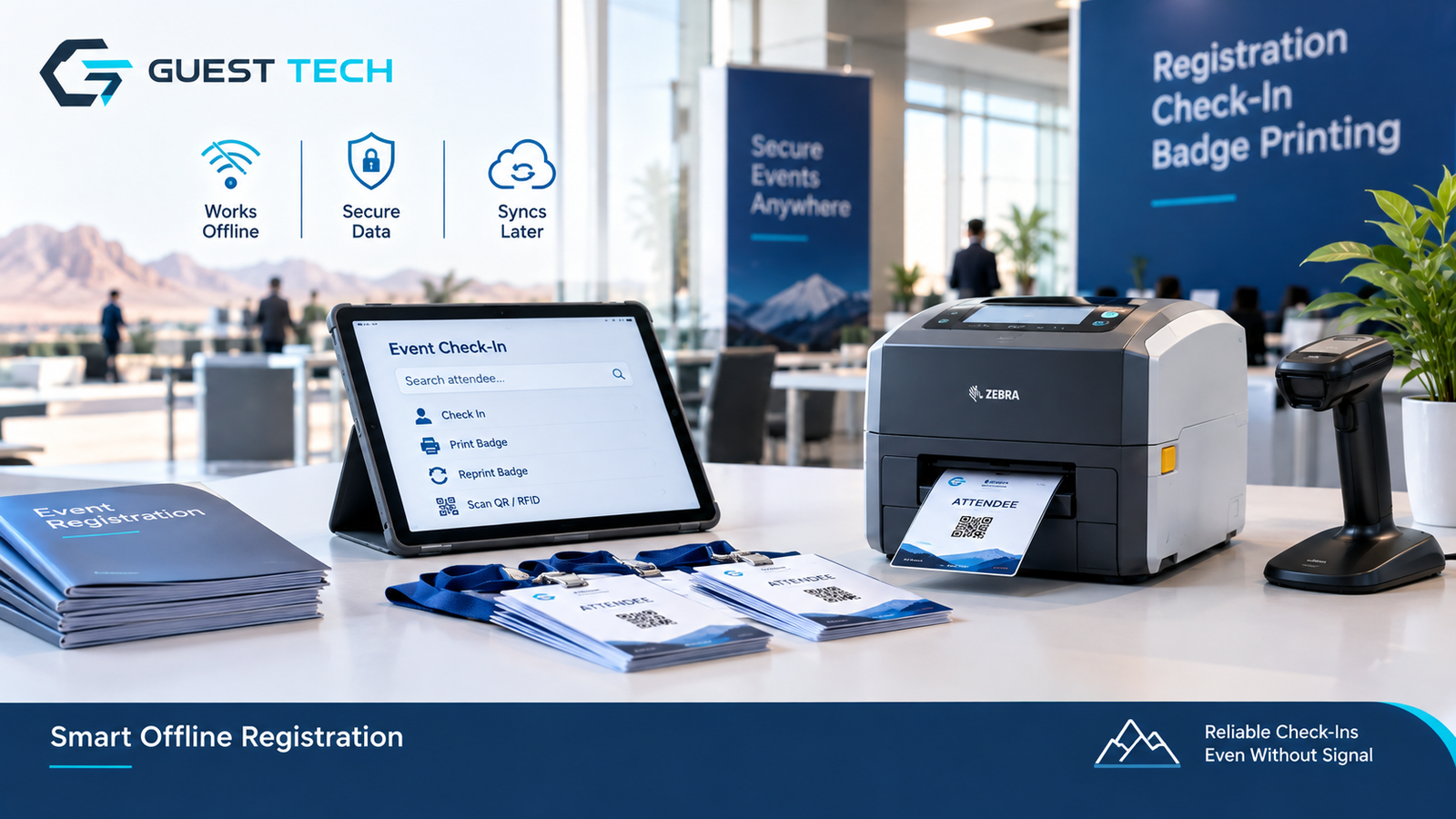
Some of the toughest check-ins happen where there's no signal at all. Think of a desert site for an energy conference, a mountain resort hosting a corporate retreat, or a government compound on an air-gapped network. The software is ready and the printer is on the table. Then the connection drops, or it never existed.
Most check-in systems quietly assume a cloud server is always reachable. When that assumption breaks, the desk stops. Self-service kiosks and on-site badge printing setups hit the same wall, so the choices below apply to both.
What has to work offline
Make a list of what must work with no network: searching for an attendee, checking them in, printing a badge, reprinting, and scanning a QR code or RFID tag. Dashboards, email confirmations, and payments can wait. A smaller offline scope is easier to test and less likely to fail during the arrival rush.
Preparing the attendee data
Each station needs its data before doors open. For a mid-sized conference, a few thousand records is typical.
Keep the local copy as small as the job allows. A badge desk needs names, categories, and a badge ID. It doesn't need dietary preferences or payment details, and every extra field is one more thing to protect on a laptop that might get lost. Protecting stored data and controlling who can use the app are two separate safeguards, and you need both. Where the platform supports it, turn on device or database encryption, and limit access to authorized operators. Once the event is over, make sure temporary attendee data can be securely removed, after any retention period you're required to honor. A full local copy can make sense for a single check-in point, but make that a deliberate choice rather than a default.
Choose storage that fits how the app is built. A native desktop app can use SQLite, an embedded database file. A browser-based app usually relies on IndexedDB, the browser's built-in storage.
Browser storage deserves extra care. Browsers can clear stored data, and quotas and eviction rules differ from one browser to another. Some browsers let an app request persistent storage, but the browser decides whether to grant it. Synchronization also has to be built separately. Test your storage limits and how the data persists. Keep a verified way to reload attendee data from the snapshot, and don't assume that locally stored records will stay there indefinitely.
Export the data as a versioned snapshot with a checksum, so each device can confirm it received the whole file. Keep the snapshot separate from the check-in log. The snapshot rarely changes, and the log changes all day.
Recording check-ins
Each check-in should add an event record rather than overwrite a status flag. A record holds the attendee ID, device ID, local timestamp, action, and print count. Events give you a history you can replay, and they make duplicates easy to spot.
Every event needs a unique ID, and the central system should process each ID only once. A device might upload its log, lose the confirmation, and send it again. The central system should recognize the event ID and avoid processing the same event twice. Print jobs need their own tracking and retry rules, though, because a lost confirmation doesn't always mean the printer failed to produce the badge.
A genuine duplicate check-in is different. It happens when two separate events record the same person checking in, and it needs an explicit rule. A common approach lets the first check-in stand, blocks a second print by default, and requires a supervisor to approve any reprint.
Resolving conflicts when sync returns
When the connection comes back, devices upload their logs. Sometimes two desks print badges for one person. Sometimes one device marks someone a no-show while another has them checked in.
Agree on the rules before the event. Keep the full history, flag conflicting statuses for a person to review, and avoid last-write-wins based on device clocks. Tablets that have spent days offline drift, so treat timestamps as hints about order, not proof. Build uploads that resume after an interruption, since a weak satellite link can make a full sync take several minutes.
The badge print path
Printing is where offline systems most often break. It involves hardware, drivers, operating-system permissions, and print queues. Keep the path short: render the badge on the device from the local record, then send it to the printer.
Connection type matters. USB, Bluetooth, and local network printing don't work the same way, and browser support varies. The Web Bluetooth API is still marked experimental by MDN, only works in secure contexts, and isn't available in every browser. Your printer model, driver, operating system, and app can all affect whether printing works offline, so test the exact combination you plan to use.
Record each print attempt separately, including reprints, and keep each one linked to the original attendee and check-in record. Track whether the job was submitted, confirmed by the printer where that's supported, or needs an operator to verify it. This is how you tell a legitimate reprint from a duplicate check-in.
Store badge templates with the snapshot and version them, so the template you print from matches the one approved for the event. Keep a spare printer at each station if you can. And count your media, because a printer that runs out mid-session stops the line just as surely as a network outage.
Testing before the event
Test under the conditions you'll face. Run full check-in cycles in airplane mode with real data, using the same device, printer, driver, and app you'll use on the day. Cut power to a printer partway through a batch. Restart a tablet during a sync. Load a snapshot one version behind and confirm the app warns the operator.
Measure the full process, from looking up an attendee through confirming the check-in to printing the badge. A target of well under a minute is a reasonable benchmark, but it isn't a universal standard. Use your own measurements to judge whether your setup meets it.
Where Guest-Tech fits in
Guest-Tech provides event registration, badge printing, visitor management, and onsite technical support in Saudi Arabia and across the wider GCC. We can advise on printers and devices for sites with limited connectivity. The right setup depends on attendee volume, the number of check-in points, and how long the site will run without a network. You can also browse our electronic devices when planning your hardware.
Frequently asked questions
Can badges print with no network at all?
Sometimes. It depends on the printer connection, driver, operating system, and app. Test your exact setup in airplane mode before the event.
What happens when the connection returns?
Each device uploads its logged events. The central system skips any event it has already processed, merges the rest, keeps the full history, and flags anything that needs a human decision.
Why log events instead of updating a status?
A log shows what happened at each station and helps you spot duplicates. A status flag only shows the latest answer and can't explain how you got there.
Build a Badge Printing Setup That Holds Up Under Pressure
Pair the right thermal printer, media, and registration hardware with Guest-Tech's event services to keep badges printing smoothly from the first attendee to the last.
Request a Quote